Every time I try to get more productive, I do the same thing first.
I audit my time.
Not a rough guess. Not a feeling. An actual log of every activity, how long it took, and the sequence of my day.
Before you build any productivity system, you need to know where your time is actually going. This post is the step before any system: understanding your baseline.
You can't fix what you haven't measured.
Most developers skip this step. It feels tedious. It feels a little like self-surveillance. Or they just don't believe a log will change anything. I get it. But it's the single highest-leverage thing you can do before touching any productivity system, and it costs you nothing but a bit of attention.
How I do my time audit
Sometimes I use a notebook. Sometimes a Notion doc. I write down every activity in sequence, the time I started, the time I stopped, and what I actually did.
Nowadays I also use an AI tool that pulls all my GitHub commits across sessions and compiles exactly what I worked on each day. It gives me a ground-truth picture of where my coding time actually went, not where I thought it went.
If you code, your GitHub commits, JIRA tickets, and Outlook calendar blocks are your ground truth. I built a daily-log Claude skill that pulls from all of these sources and writes everything into a single daily log file automatically.
If you don't have that set up yet, a notebook works just as well. The source of the data matters less than the act of capturing it.
This audit becomes the foundation for everything else. No productivity plan I build skips this step.
Here's what I find every time I do it.
What I discover every single time
Two things show up without fail.
First: I'm already doing more than I realized. The audit makes that visible.
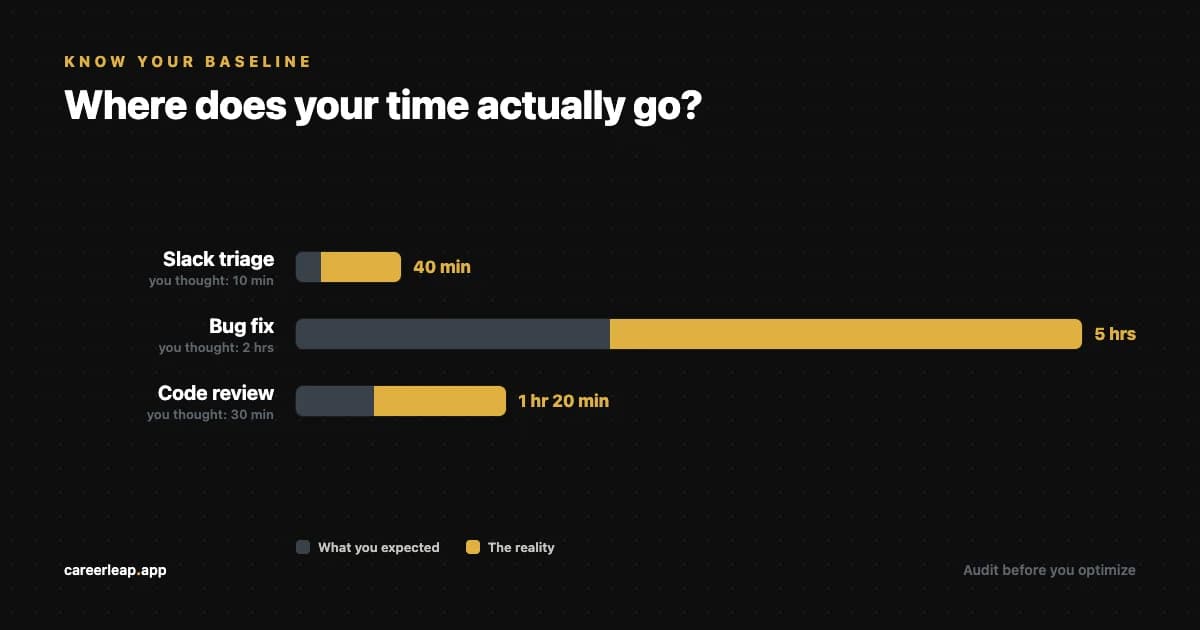
Second: tasks I assumed were taking 10 minutes were actually taking 2 to 3 hours. That gap between perception and reality is where most productivity problems live.
And here's the part that still surprises me: just by logging what I do, I become 30 to 50 percent more productive automatically. Awareness alone changes behavior. When you know you're tracking, you become more conscious and deliberate about where time goes.
The finance analogy
Think about how budgeting works.
Before you decide how to spend money going forward, you look at how you spent it last month. You don't guess. You check the actual numbers.
Time works the same way. Before you build a schedule or a productivity system, you need to see the real data. What are you actually spending time on? What's eating your deep work hours without you noticing?
How to run a two-week time audit
Week 1: raw capture
I know, logging everything sounds tedious. Do it anyway for one week. What you find will surprise you.
Write everything down. No judgment, no changes yet. Just observe.
Log every activity from the moment you start work until you stop. Include:
- What you worked on and for how long
- Meetings, Slack, email, context switches
- Breaks, distractions, rabbit holes
- Your energy level at different points (high, medium, low)
Don't try to fix anything yet. The goal is an honest picture.
Log in real time if you can. At the start of the day, write down what you already know: meetings, calendar blocks, the high-level plan for the day. Then log as you go when you start a task, when you finish it, when something pulls you away. At the end of the day, do a quick recap to fill in anything you missed. End-of-day recaps alone are less accurate than you think. Memory smooths over the interruptions and distractions that are exactly what you're trying to see.
Use whatever captures fastest: a notebook, a Notion doc, Toggl, Clockify, or an AI tool that pulls from your GitHub commits. The tool matters less than the consistency.
Week 2: analyze what you found
Now go through the log and look for these specific patterns:
- Tasks that took 3x longer than you expected
- Low-priority work that kept eating your best hours
- Times of day when your energy crashed and you switched to easy tasks
- Recurring distractions that showed up at the same time each day
- Meetings that produced nothing actionable
- Work you did that nobody actually needed
For each pattern you find, ask one question: is this worth the time it's costing me?
Most developers find 2 to 3 things in week 2 that, once changed, free up significant time immediately.
The 30 to 50 percent shift
You don't have to wait until week 2 to see results.
Midway through my first audit week, I noticed I was spending 40 minutes every morning triaging Slack before writing a single line of code. I hadn't planned to do that. I didn't even realize I was doing it until I saw it in the log three days in a row.
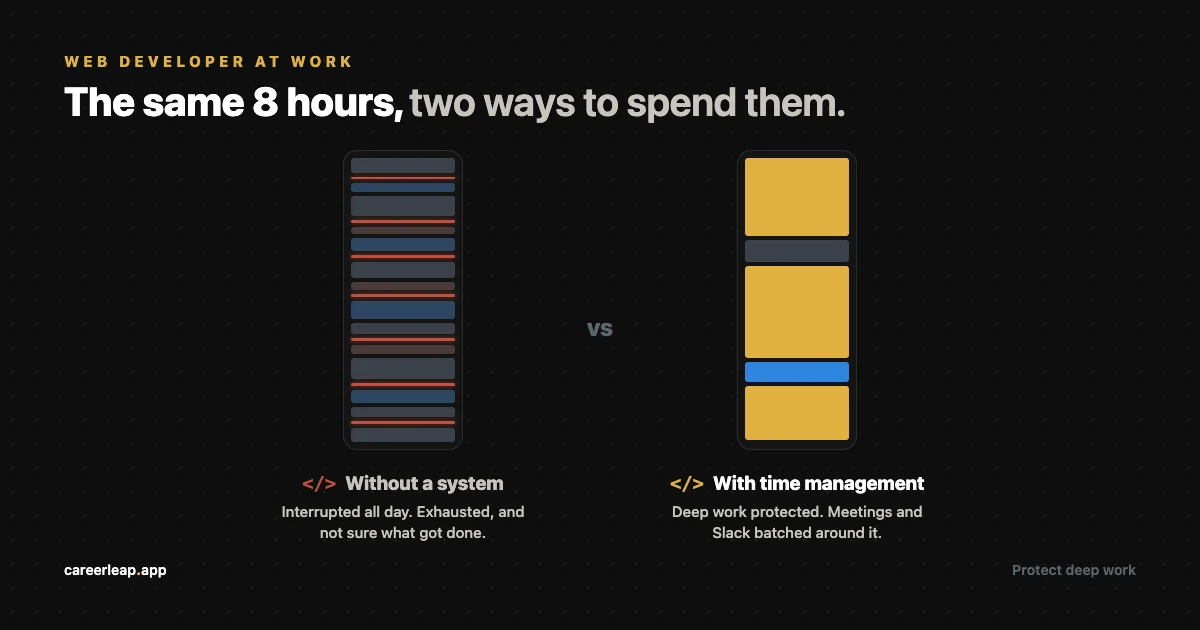
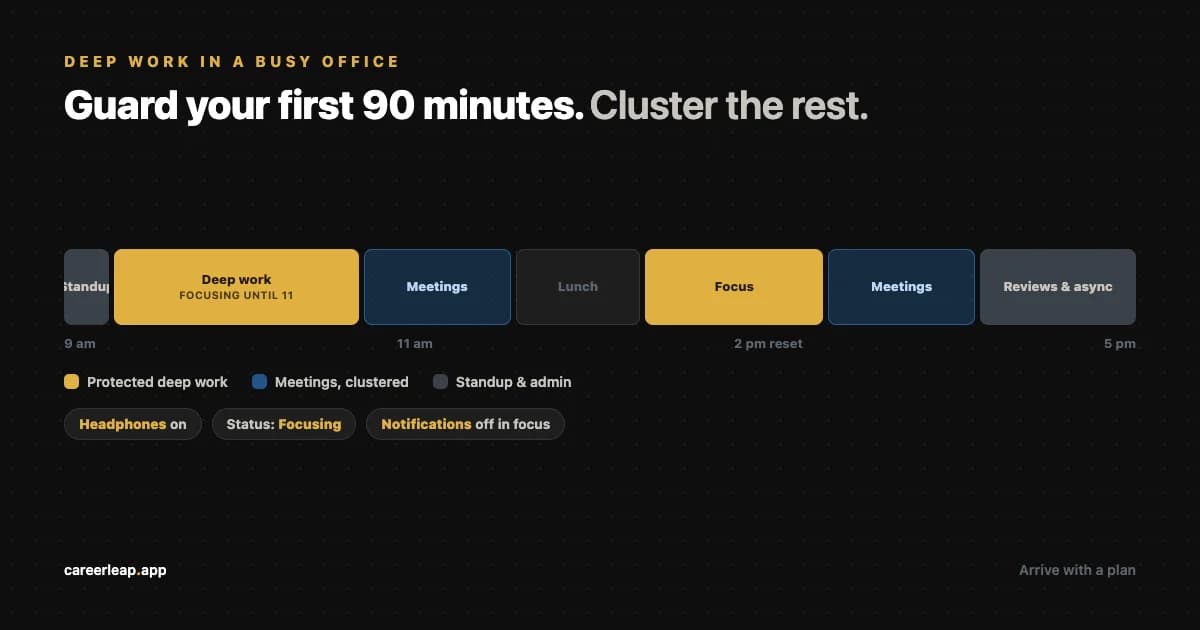
Moving Slack to after my first deep work block recovered almost an hour of productive morning time every day.
One small awareness. One small shift. That's how it works.
This is why the audit comes before any system. A productivity system built on guesses about your time will optimize the wrong things. An audit-first approach means you're solving the actual problem.
Takeaways
- Audit before you optimize. Always.
- Track every activity for two weeks. No judgment in week 1.
- Analyze patterns in week 2. Look for the gaps between perception and reality.
- Awareness alone will make you 30 to 50 percent more productive.
- The tool doesn't matter. Consistency does.
- You can't build a better system on top of a misunderstood baseline.
Start the audit this Monday. One week of data will tell you more than any productivity book.
Every week I send one practical tip to help you grow faster as a developer. No fluff, just what works. Join the newsletter.